

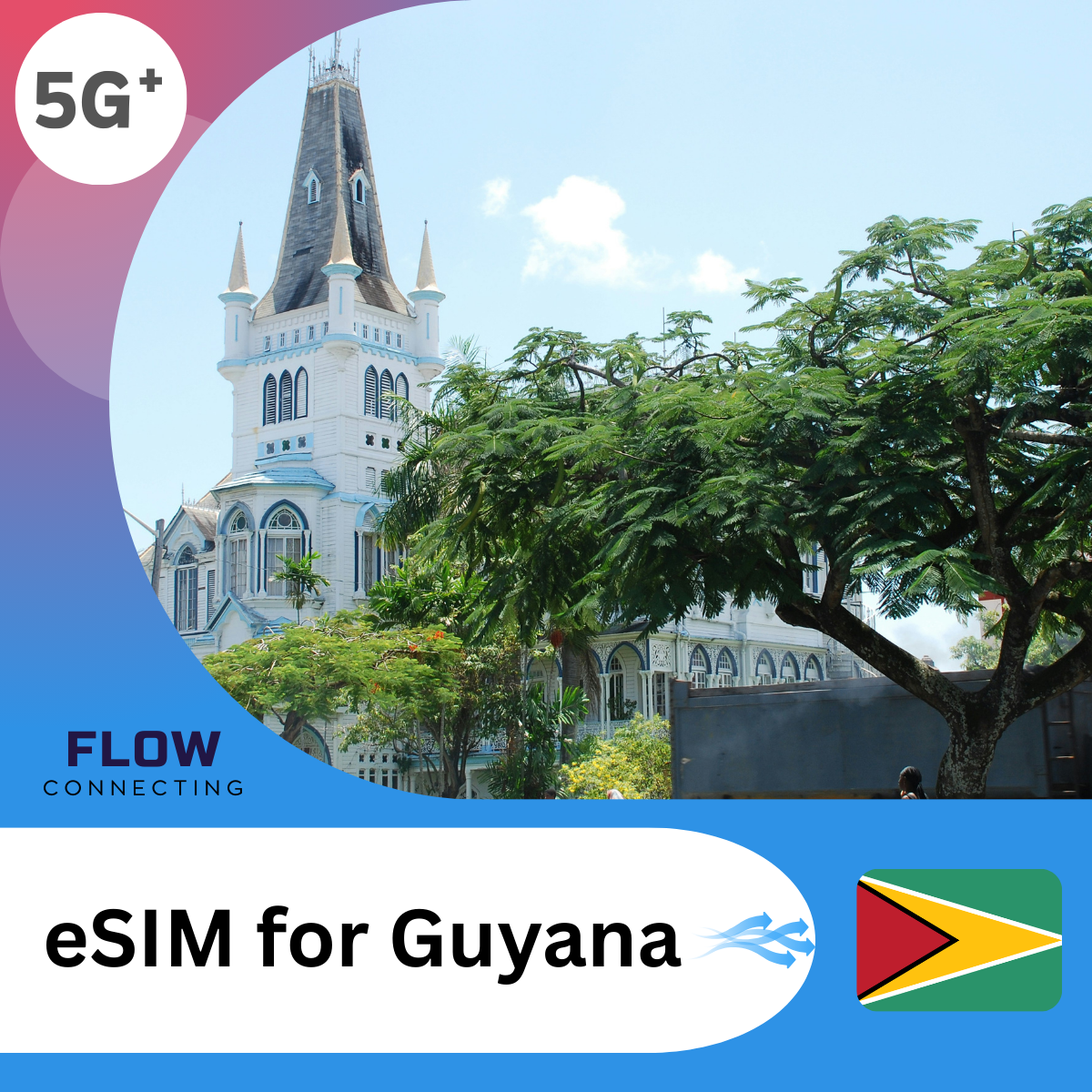

Guyana eSIM

$75.90 USD
含稅費 結賬時計算運費
  • Premium Dual-Network

  • Flexible Options

  • Privacy

Data
Days
數量
Coverage Area
Region
Guyana
Network & Speed
Network Carrier
Digicel
Network Speed
5G /4G/LTE
Tethering/Hotspot
Yes
Plan Information
Plan Type
Data Only
Phone Number
Not Included
eKYC (Identity Verification)
Not Required
Data Package Details
High-Speed Data
5GB-30Days~10GB-30Days
After Throttling
Unlimited 128kbps
Activation & Delivery
Activation
Auto-start on arrival
Delivery
eSIM QR by email
Delivery Time
Within 5 Minutes
Customer Support
Mon-Fri: 9:30 AM - 6 PM (HKT)
Usage Instructions
eSIMaura Users
Enable Data Roaming
App Access
Full App Access
5G Unlimited Data

Fast, Reliable, and Truly Unlimited – 5G High-Speed

+00

Local Number

Some countries, including the USA, Canada, etc.

Easy Installation

Get Your Travel SIM in Just 3 Minutes

Unlimited Hotspot

Share Your Data with Family and Friends

eSIM Installation Guide

How to Install and Activate Your eSIM?

You can purchase and install the eSIM first, and activate/start using it when needed. Please activate the plan within 60 days after purchase; otherwise, it will be activated automatically and start to expire.

01 Install Your eSIM

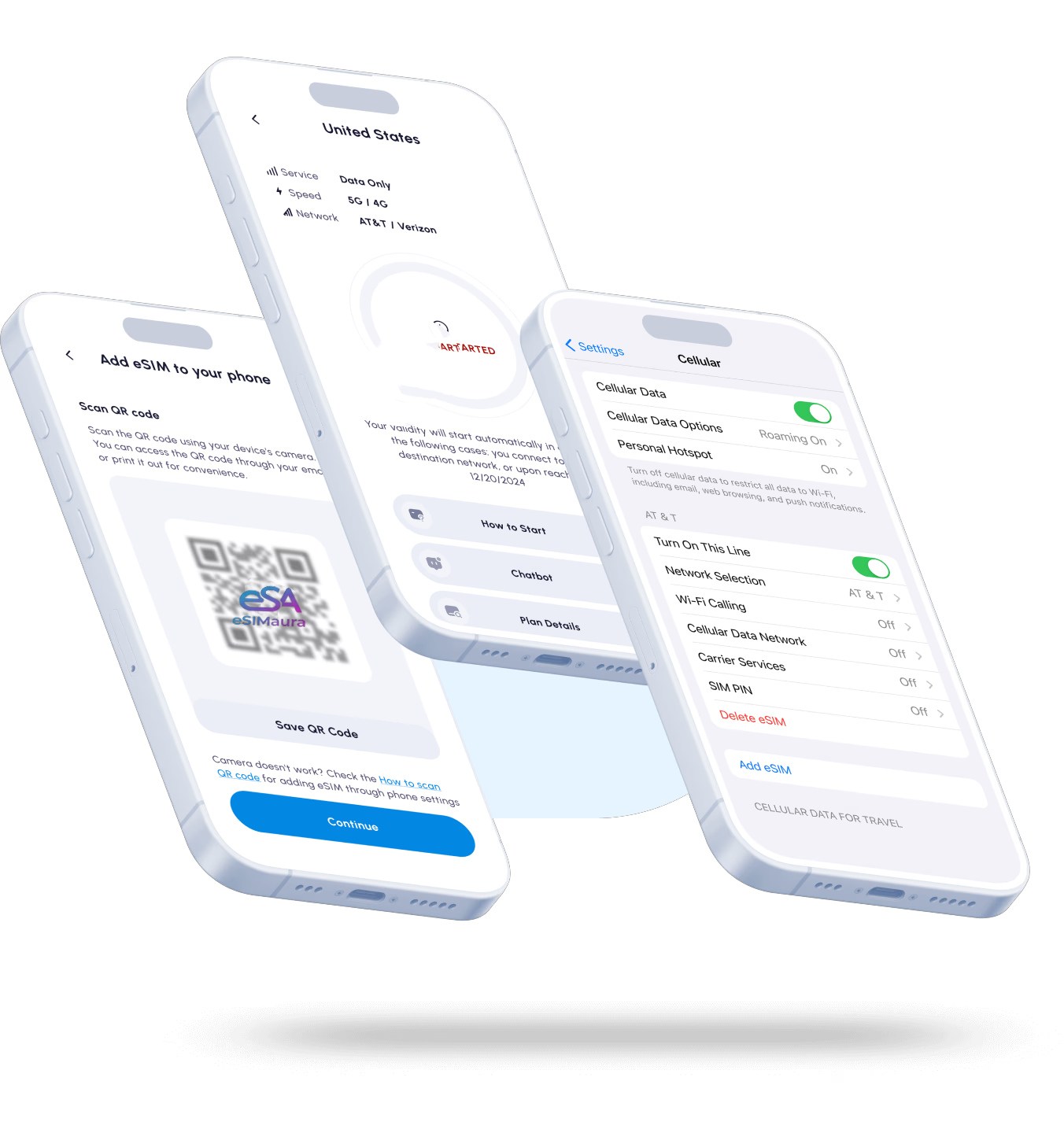
Scan the attached QR code to install the eSIM (internet connection is required for installation). The eSIM will be added to your phone after scanning.

02 Start Your eSIM

The plan will be activated automatically once connected to the target network (see Step 3 for details).

03 Connect at Your Destination

  • 1. Go to Settings > Cellular Network > Enable this line.
  • 2. Ensure "Data Roaming" is enabled, and select "Nomad eSIM" as your cellular data.
  • 3. The eSIM will automatically search for and connect to the most suitable local network.

How to Set Up Your eSIMaura eSIM in 3 Minutes

01
5 GB 10 days

Check & Choose

Verify your phone is eSIM-compatible and unlocked. Pick the plan that fits your trip and check out.

02
Scan QR code

Install Before You Fly

We email your eSIM instantly. On stable Wi-Fi, scan the QR or use the eSIMaura App for one-tap install.

03
Data Roaming

Arrive & Activate

On arrival, enable the eSIMaura line in Settings and turn Data Roaming: ON. It auto-connects and activates.

04
eSIM 5GB / Per day 0.8GB / Used 4.2GB / Remaining End Date December 7 2026

Manage & Add More

Track data & days in the App. Need more? Add another plan (start now or later) and switch lines in one tap.

FAQs

How does eSIMaura eSlM help me save on roaming charges?

With eSIMaura eSlM you can bid farewellto exorbitant roaming charges. Traditional roaming services can quickly drainyour budget while traveling, leaving you with unpleasant surprises on your phone bill. Our eSlM card enables you topurchase and activate data plans from local carriers at your destination, eliminating the need for costly internationaroaming.

How fast and easy is the connectivity with eSIMaura eSlM?

eSIMaura eSIM offers seamless and instant connectivity. Gone are the days of searching for local esim carriers upon arrival. With just a few taps on your phone, you can purchase and activate a data plan before or during your journey. Stay connected from the moment you land and enjoy uninterrupted communication throughout your triap.

Do I need to submit passport or lD information for eSIMaura eSlM activation?

No, at eSIMaura, we prioritize the security and privacy of your personal information. Unlike physical SIM cards that may require additional identification documents, our eSIM activation process is designed to be hassle-free and protect your privacy.

At eSIMaura, we understand the importance of safeguarding your personal information. Our eSIMaura eSIM technology incorporates advanced security measures to protect your data from potential threats. Unlike physical eSIM cards, which can be easily lost or stolen, an eSIM card is embedded in your device, reducing the risk of unauthorized access to your sensitive data.

Which devices are compatible with eSlM card?

eSIMaura eSIM is compatible with a wide range of eSIM-supported devices. Whether you have a smartphone, tablet, or smartwatch, an eSIM card lets you activate a device on a cellular network. Our eSIM will seamlessly integrate with your device to provide reliable and high-speed data connectivity. Moreover, our eSIM cards work with multiple carriers worldwide. Enjoy the freedom to choose local data plans at your destination and stay connected throughout your journey without breaking the bank.

You can check whether your smartphone is eSIM-compatible here.

When should I set up my eSlM?

You can set up your eSIM on the day of your departure, during your travel journey, or upon arrival at your destination airport. Whether you choose to activate it right before you leave, during transit, or at your destination airport, ensure that you have access to a WiFi connection for a seamless and efficient eSIM activation process. By setting up your eSIM at any of these points, you can enjoy uninterrupted connectivity throughout your trip.

How can I check my data balance?

You can check your data balance directly in your device's data settings or through our Android or iOS app for self-service. Alternatively, our support team is available 24/7 via email or WhatsApp to assist you with your remaining data usage.

購物車

加載中